
From idea to final take

An AI video maker for the whole story—not just the next clip.

From idea to final take. Describe it, approve the plan, direct the result.

Planning comes before paid media generation.The CreateTake workspace is opening next.

See three complete takes

Three ways to begin. One complete-video workflow.

CreateTake uses the same composer, Agent, Project, and editor whether you begin with a product, an explanation, or a story.

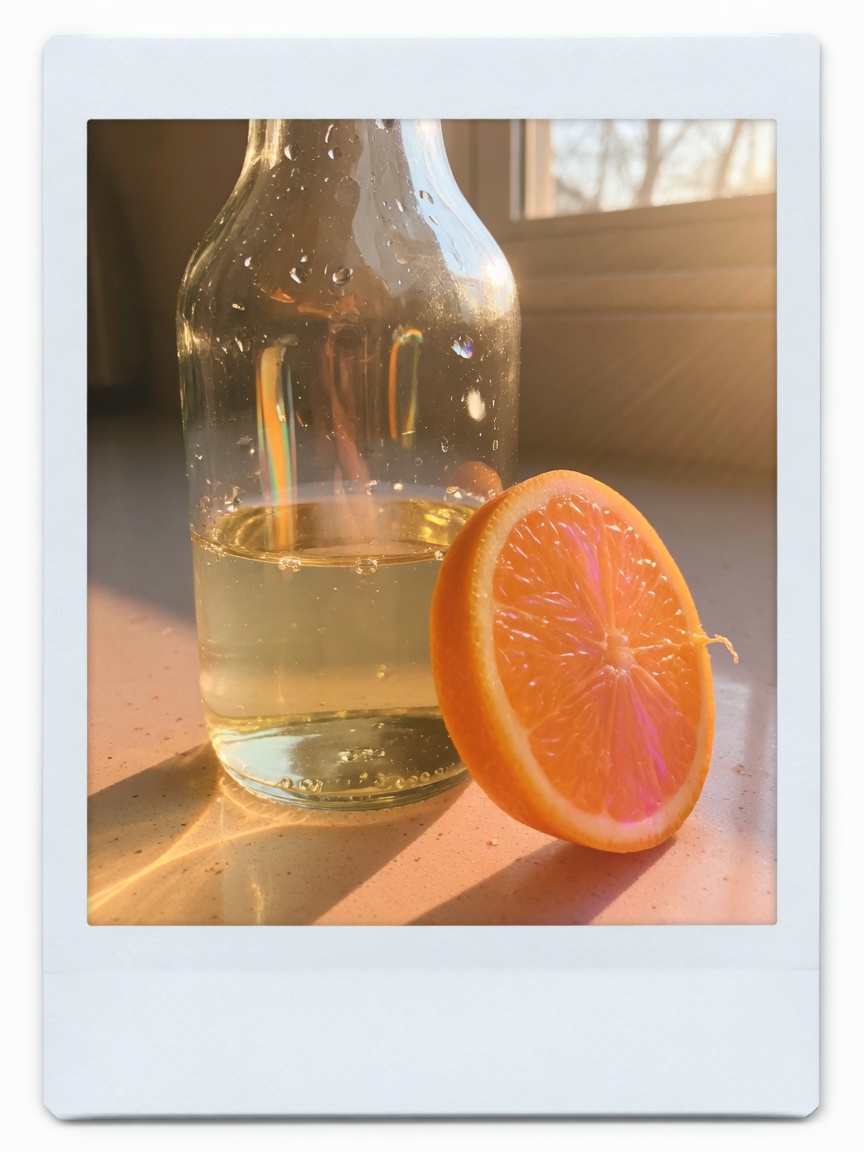
Frosted glass bottle on a sunlit oak table, standing in for a pending Product case.Concept case pending
Product · 15–30s

Turn a product source into a video you can verify.

Start with a public product URL, approved assets, or a campaign brief. Review the product facts, claims, angle, scenes, and Shots before generation, then revise a selected Shot without rebuilding the full take.

sourcePlanStoryboardrevisionfinal
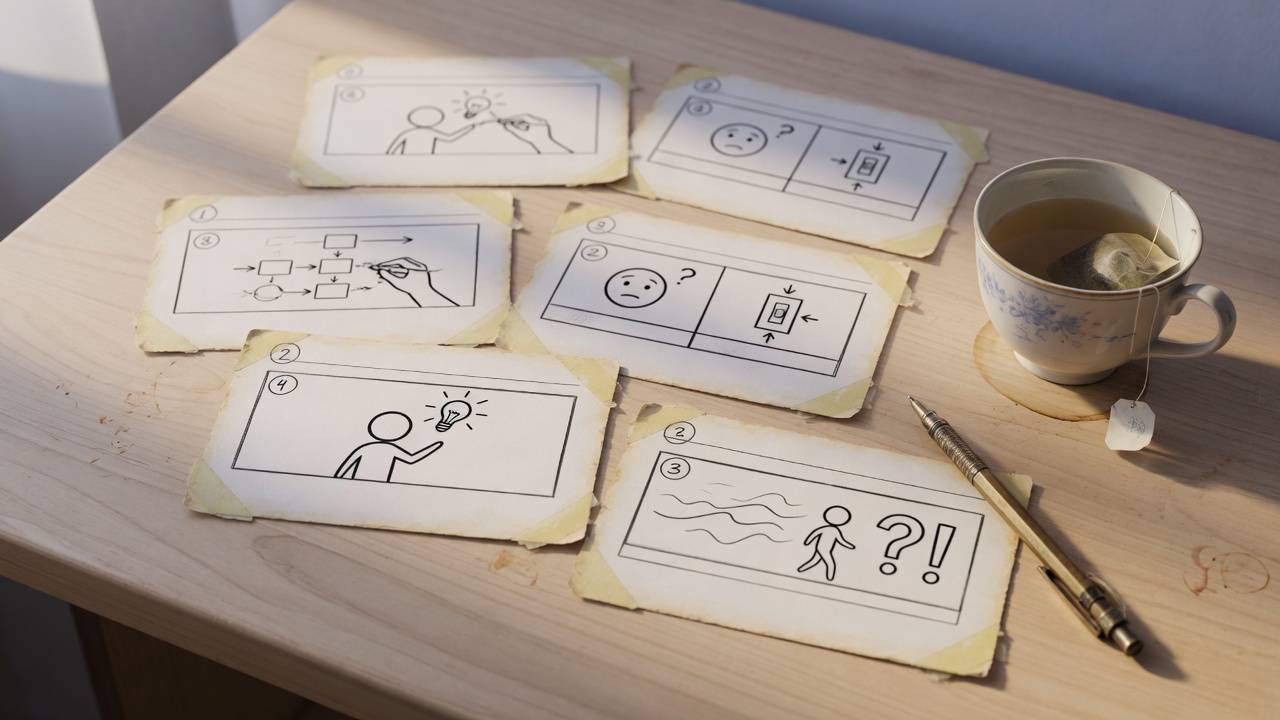
Hand-drawn storyboard cards on a desk, standing in for a pending Explainer case.Concept case pending
Explainer · 15–30s

Turn a complex idea into a clear visual sequence.

Start with a brief, script, deck, or workflow. Shape the information into a focused structure, supporting visuals, pacing, and conclusion before you approve generation.

sourcePlanStoryboardrevisionfinal
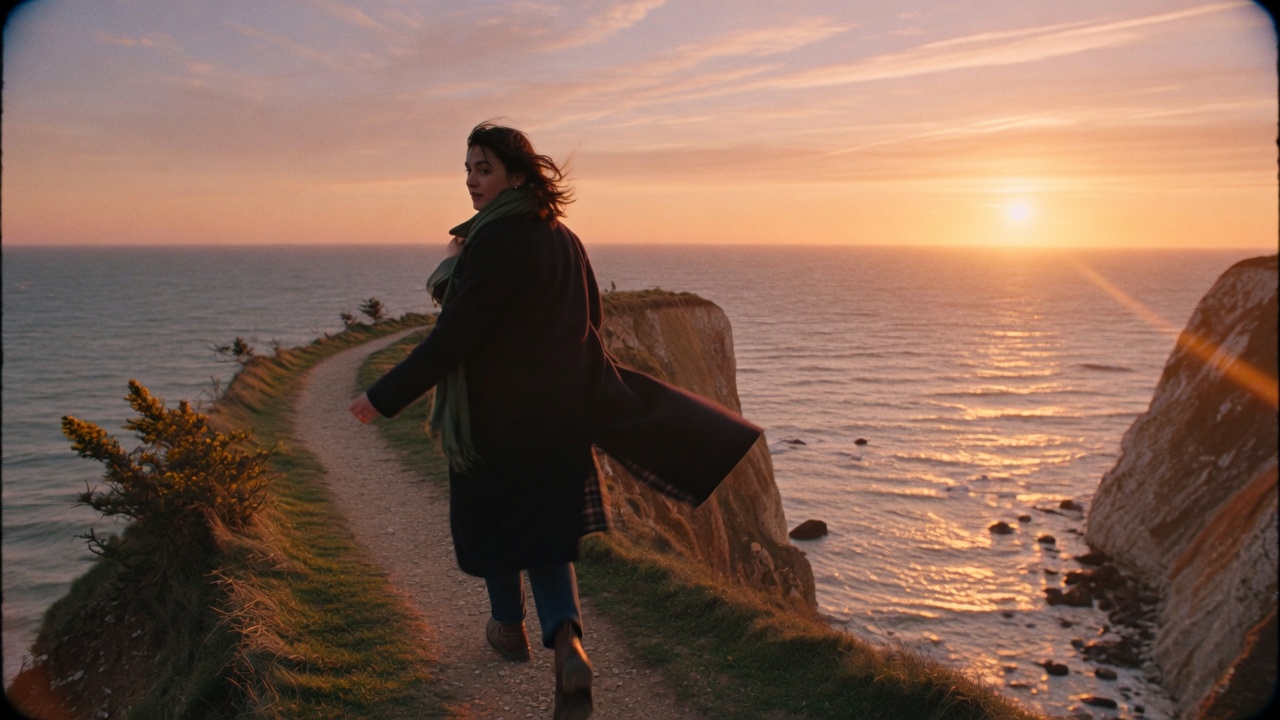
A figure walking a coastal path at sunset, standing in for a pending Narrative case.Concept case pending
Narrative · 15–30s

Turn a story direction into a take you can keep directing.

Start with an idea or script. Review the short narrative structure, characters, locations, and individual Shots, then refine one moment while keeping the wider direction intact.

sourcePlanStoryboardrevisionfinal

See what the Agent will do before it spends on generation.

One reviewable workflow from direction to the take you export.

PlanStoryboardCreateReviewExport

See what the Agent will do before it spends on generation.

Describe the video.

Bring an idea, script, public URL, or assets into one composer.

Review the Plan.

Confirm the audience, purpose, format, script, Storyboard, sources, duration, and maximum generation quote.

Create the approved Shots.

Generate only the paid scope you approved and review completed work as it arrives.

Revise and export.

Change a Scene or Shot, compare the new revision, and export the selected Assets you already reviewed.

Keep the context. Change only what needs to change.

Complete video, not disconnected clips.

The brief, Plan, Storyboard, Scenes, Shots, revisions, and export stay connected inside one Project.

Context across the story.

The Agent works from the approved direction instead of treating every prompt as an unrelated generation.

Local revision.

Ask for a different line, scene, or Shot. A successful generation becomes a new revision, so the version you already reviewed remains available.

Export what you approved.

Final export composes the selected Assets; it does not silently generate a different video.

Bring a direction—or the source material behind it.

An idea

Describe the outcome, audience, channel, and feeling you want.

A script

Turn existing words into Scenes, Shots, pacing, and a reviewable Storyboard.

A public URL

Import available source facts and media for review; incomplete sources show warnings instead of guessed facts.

Your assets

After the workspace opens, add approved files and keep their role visible in the Plan.

You stay responsible for the rights and consent required for uploaded assets, people, brands, and claims. CreateTake is SFW-only and does not support identity cloning, celebrity deepfakes, or deceptive political media.

Questions before you start a take

What is CreateTake?

CreateTake is an AI video maker that helps creators and small teams plan, create, revise, and export a complete video. It keeps the direction, Plan, Storyboard, Shots, revisions, and final take inside one Project.

What can I start with?

Start with an idea, script, public URL, or a description of assets you already have. Leave the direction on this page; the workspace for files, planning, and generation is opening next.

How is this different from a prompt-to-video generator?

A clip generator answers one prompt. CreateTake handles the wider job: it proposes a Plan and Storyboard, keeps context across Scenes, lets you revise a selected part, and exports the version you reviewed.

Can I review the Plan before spending Credits?

Yes. Review the audience, purpose, format, script, Scenes, Shots, sources, duration, and maximum generation quote before approving paid media work. Planning and review do not silently start video generation.

Can I make a video here today?

Not yet. This page explains the workflow. The workspace that turns a direction into a reviewable take is opening next.

What will the first version support?

The first workspace will cover 15–30s Product, Explainer, and Narrative videos in 9:16, 16:9, or 1:1, with 1080p MP4 export. Longer videos, professional timeline editing, standalone voiceover, captions, and music workflows are not part of launch V1.

How will planning and generation Credits work?

Planning and review will be free within fair-use limits. New video and image generation will use Credits, and the Plan will show a maximum quote before you approve paid work. Subscription prices are omitted until Credits quantities and output mappings are benchmarked.

Can I use the result commercially?

Paid output may be used for lawful commercial purposes under the Terms, but CreateTake does not promise exclusivity, copyrightability, or non-infringement. You must have the rights and consent required for your inputs and claims.

Your next video starts with a direction.

Tell CreateTake what you want to make. When the workspace opens, you will review the Plan, approve the work that should be generated, and keep directing the result until it is the take you want to export.

CreateTake · Operated by HACK THINKING LAB LTD · Company No. 16328697